
| Money in | Planned | Actual | Left |
|---|---|---|---|
| Part-time job | 6,000 | 6,000 | |
| Allowance | 1,500 | 1,500 | |
| Needs (phone, transport) | 3,200 | 3,050 | 150 |
| Wants (games, snacks) | 2,000 | 2,300 | -300 |
| Savings moved | 2,300 | 2,300 | 0 |
Planned layout, drawn from the build notes. The finished template may differ a little - it goes through the same dummy-data testing as the rest of the shop before listing.
A teen budget worksheet for Google Sheets that turns pocket money, allowance or a first part-time job into a simple weekly plan: money in, needs, wants, savings, and one honest look at where it all went.
Like every DazzleDesk file it will ship with a Buyer Access PDF, a quick-start guide and a bonus checklist, and it will work with a free Google account.
List everything you get in a week or month (allowance, job pay, gifts), then split it into needs, wants and savings before you spend. First Pay has this exact flow pre-built: fill the income list, give every category an amount, and check the week against the plan every Sunday.
Google Sheets has a general annual budget template, but nothing built for a teen’s week-by-week money. First Pay is made for that: smaller amounts, weekly check-ins and a savings goal front and centre.
A teen-friendly version of 50/30/20 works well: about half for needs (phone plan, transport, lunch), around 30% for wants, and at least 20% into savings. The worksheet sets these as starting percentages that you can change.
Whatever is consistent beats whatever is big. Saving 20% of a small income builds the habit; the goal tracker shows progress toward one specific thing, which keeps motivation higher than a vague amount.
Yes. It is a normal Google Sheet, so it can be shared view-only with a parent while the teen keeps editing rights. Nothing leaves the family’s own Google accounts.
Yes. Each month fits on one printed page, so it works as a fridge worksheet as well as a spreadsheet.
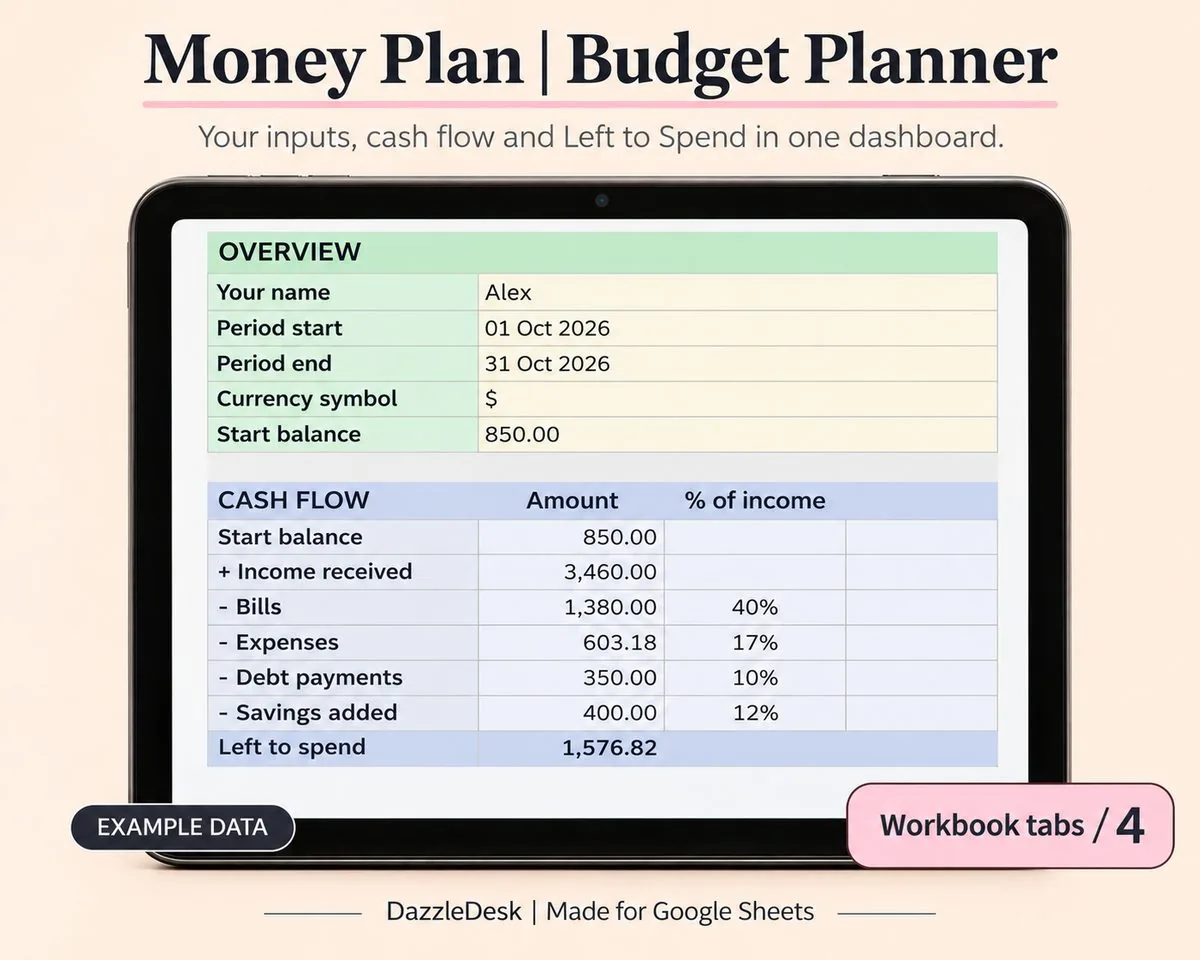
A monthly budget that does the maths for you: plan your categories, log spending, and watch the dashboard tell you exactly where the money went.
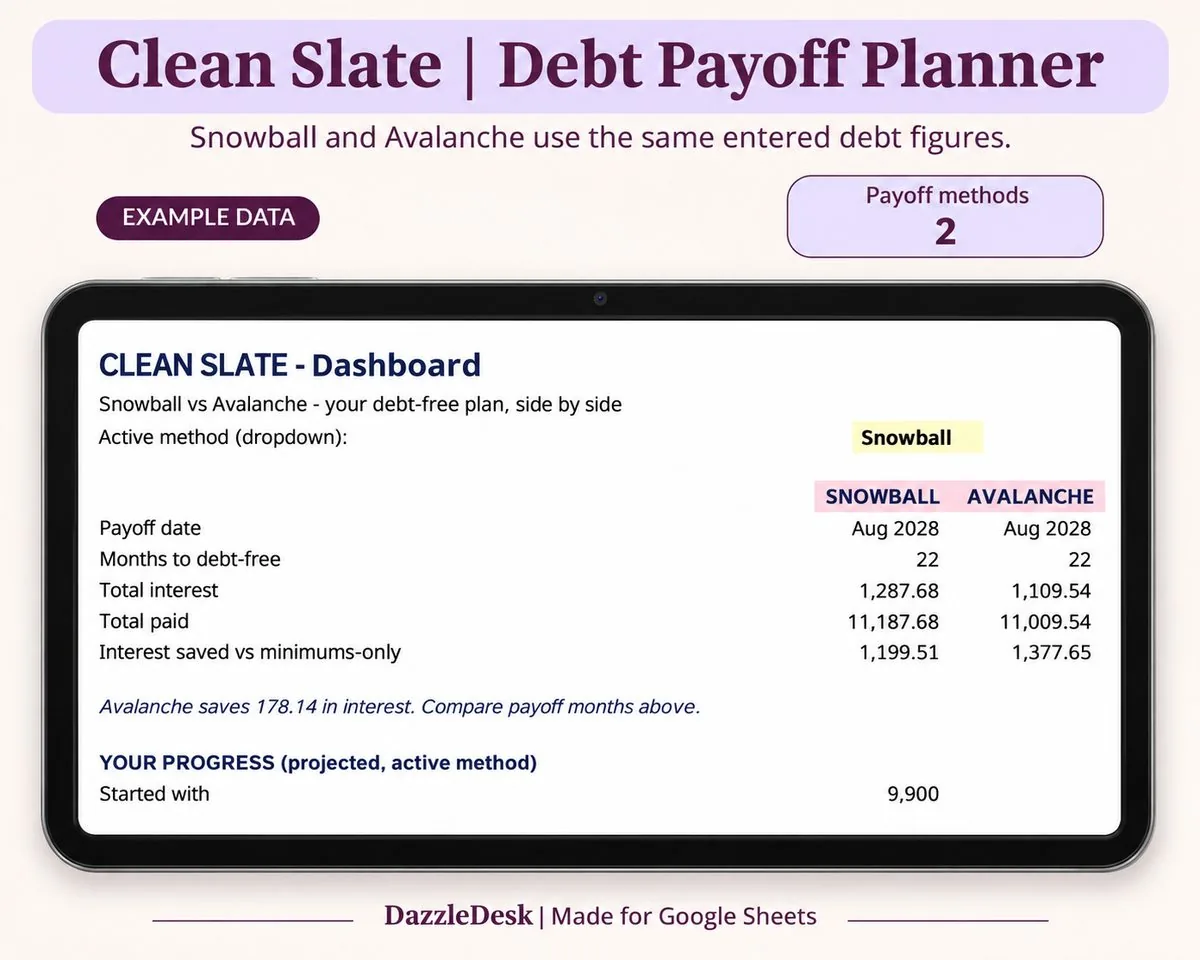
List every debt, pick snowball or avalanche, and get a month-by-month payoff schedule with your debt-free date on top.