
| Income this month | 52,000 | ||
|---|---|---|---|
| Category | Planned | Actual | Left |
| Needs | 26,000 | 25,400 | 600 |
| Wants | 10,400 | 11,000 | -600 |
| Savings + debt | 15,600 | 15,600 | 0 |
| UNASSIGNED | 0 |
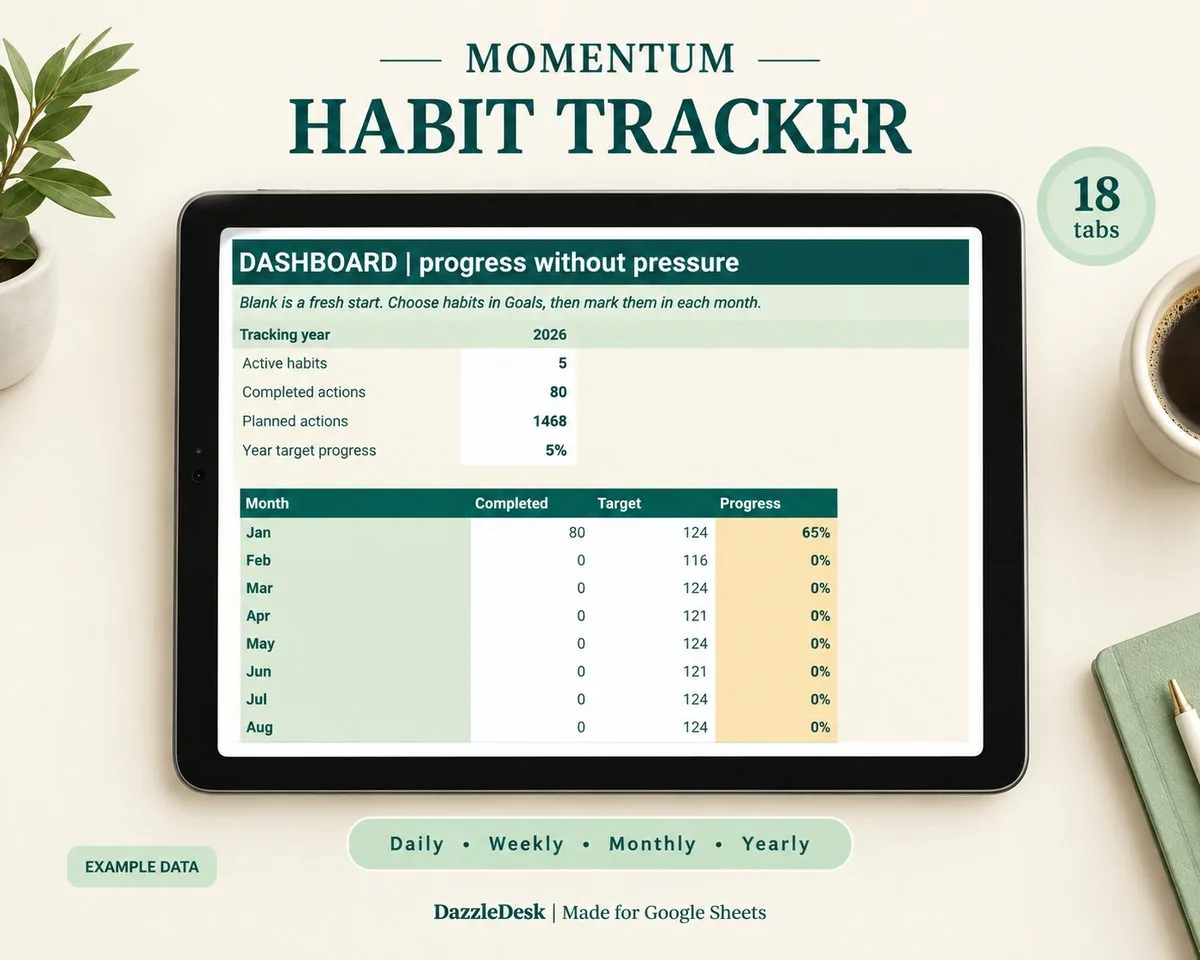
Planned layout, drawn from the build notes. The finished template may differ a little - it goes through the same dummy-data testing as the rest of the shop before listing.
A zero-based budget template for Google Sheets where every unit of income gets a job before the month starts: give each category its amount, watch the unassigned number fall to exactly zero, and check the plan against real spending weekly.
Like every DazzleDesk file it will ship with a Buyer Access PDF, a quick-start guide and a bonus checklist, and it will work with a free Google account.
A budget where income minus all planned spending, saving and debt payments equals exactly zero. Every unit of money gets a job before the month starts - nothing is left unassigned, so nothing leaks away untracked. Zero does not mean an empty bank account; it means no money without a purpose.
Yes, with one caveat: it needs a weekly five-minute check-in to stay honest. The template is built for that rhythm - assign at the start of the month, then compare planned vs actual each week and move amounts when life happens.
50/30/20 sets three broad percentage buckets; zero-based assigns an exact amount to every category until nothing is unassigned. Many people use both: percentages to pick the amounts, the zero check to make sure the amounts add up. Our budget percentages guide pairs well with this template.
Budget with your lowest expected month as the base. When a better month arrives, give the extra a job too - extra debt payment, sinking funds, savings. The template has a spot for top-up assignments mid-month.
It is built for Google Sheets, and any Google Sheet can be downloaded as an Excel .xlsx file. The core planner tabs use simple formulas that carry over.
Yes - it is a normal Google Sheet, so partners can both edit from their own accounts. The weekly check-in works well as a shared five-minute ritual.
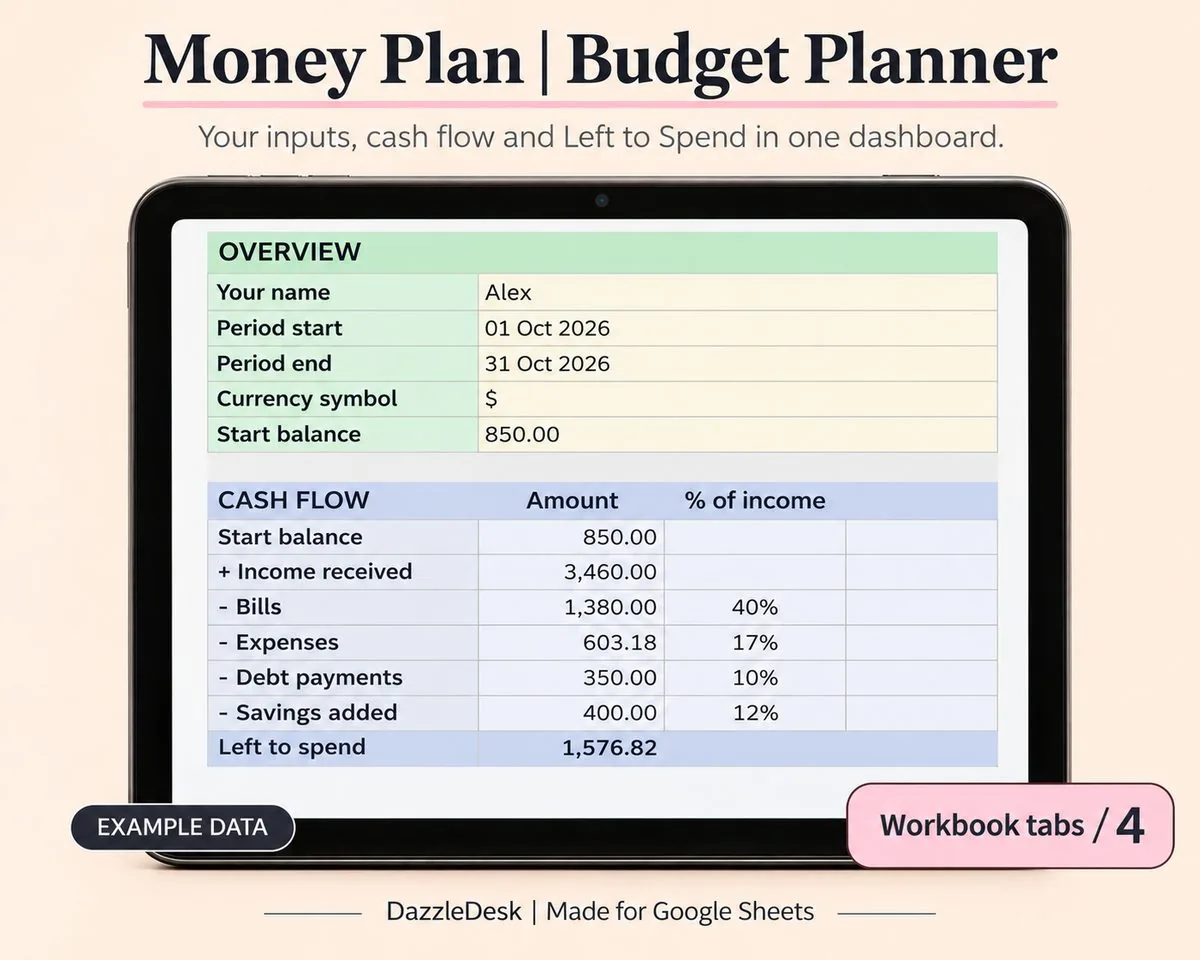
A monthly budget that does the maths for you: plan your categories, log spending, and watch the dashboard tell you exactly where the money went.
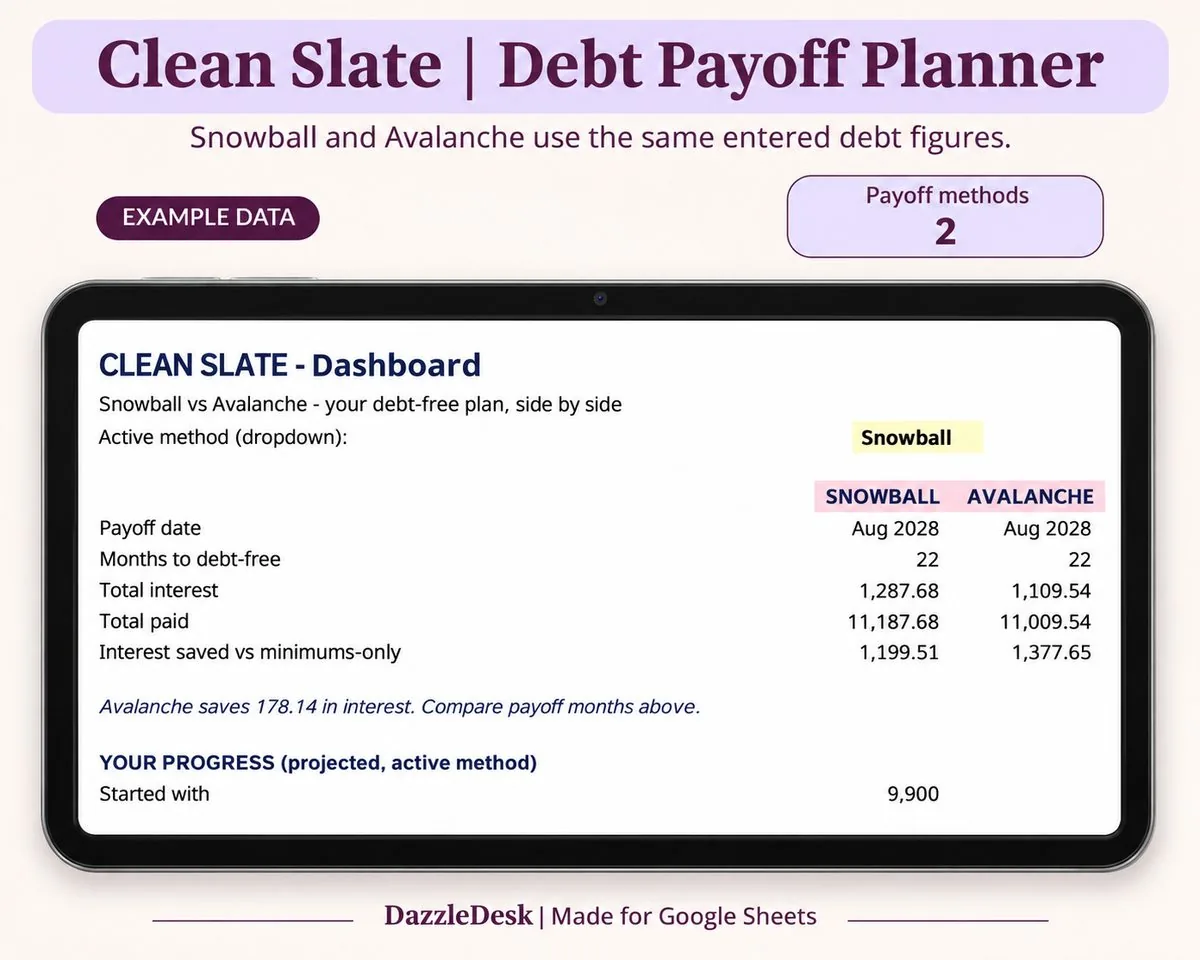
List every debt, pick snowball or avalanche, and get a month-by-month payoff schedule with your debt-free date on top.