A paper diary works until two clients book the same hour and you cannot read your own handwriting. A layout for scheduling appointments in Google Sheets costs one evening to build and then runs itself: a weekly grid, a dropdown per client, colours that flag the day at a glance. This guide builds the whole thing step by step - no add-ons, no booking software bill.
Open a blank sheet. Column A is your time axis: type your first slot (say 9:00), the second (9:30), select both and drag the fill handle down - Sheets continues the half-hour steps for you. Row 1 is your day axis: Monday in B1, then drag across to Saturday.
Freeze both (View, Freeze, 1 row and 1 column) so the frame stays put when you scroll. This grid is the entire skeleton - every appointment you ever book is just text in one of these cells.
The layout breaks when "Rina", "rina patel" and "R Patel" become three different people. Fix it with data validation: Data, Data validation, add a dropdown listing your regular clients plus "New client" and "Blocked". Booking becomes picking from a list - faster and impossible to misspell.
Consistency matters because of what comes next: once every entry matches the list exactly, you can count anyone. How many appointments did Mehta book this quarter is one COUNTIF away.
Use conditional formatting so the grid answers questions before you ask them. Confirmed appointments green, unconfirmed amber, completed grey, no-show red. Four rules, set once via Format, Conditional formatting, "Text contains".
The payoff is the Monday-morning glance: a column of amber means a day of confirmation calls before anything else. A red cell last week means a follow-up or a firmer cancellation policy. The colours turn a schedule into a dashboard.
For appointments longer than one slot, merge vertically or simply repeat the name across the slots - repeat is safer, because merged cells fight with filters later. Build buffer slots into the day axis too: a greyed "Blocked" row after lunch catches the overrun that would otherwise eat the 3 pm.
Double-booking is the failure mode that matters. Sheets cannot stop you typing over a filled cell, but a glance at the colour fills the gap - and a weekly two-minute review catches the rest. If you outgrow this entirely, that is the genuine signal to pay for booking software, not before.
For a front desk, print the current week: File, Print, set the print area to the grid, landscape, fit to one page. It comes out cleaner than most diaries because the grid is already a table.
For a team, share the sheet view-only and keep one editor - the person who books. Everyone else sees the live week on their phone, and the "who moved my appointment" arguments end, because version history (File, Version history) shows every change with a name on it.
Appointments are the front half of the job; the back half is what they earned. A simple extra tab - date, client, amount - turns the same workbook into a cash-book, and the dropdown discipline from the schedule makes the totals trustworthy.
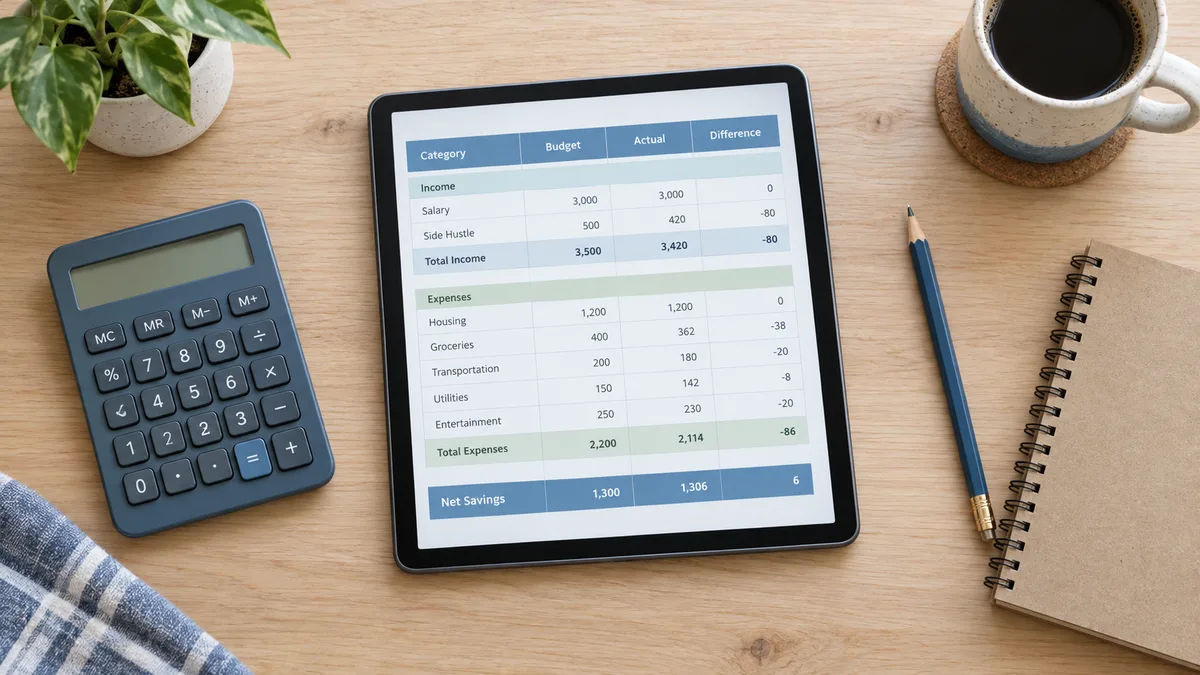
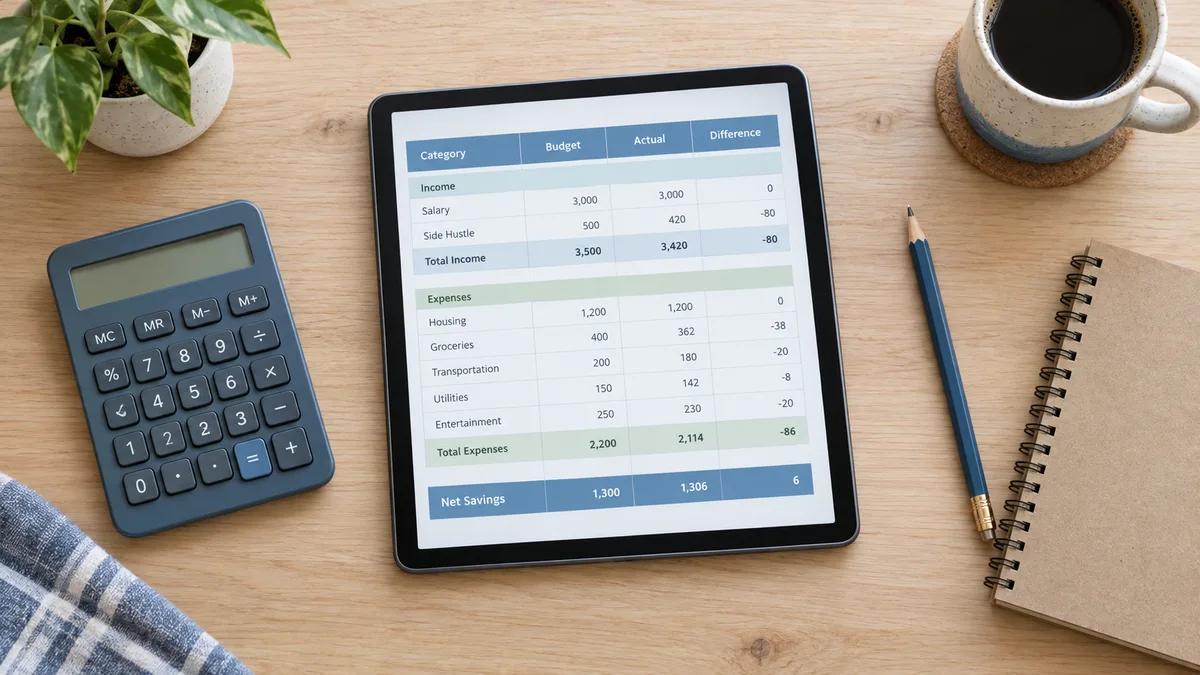
If you want the money side pre-built, our budget spreadsheet template has planned-vs-actual columns ready, and the expense tracker guide shows the same weekly-routine idea applied to spending. Same discipline, one row at a time.
Times down column A in half-hour steps, days across row 1, freeze both, then fill cells with client names. Add a dropdown for clients and conditional colours for status - the whole build takes about an evening and needs no add-ons.
Not safely - a shared editable sheet invites accidents. Keep one editor and share view-only. Self-service booking is the point where dedicated tools like Calendly or Google Appointment Schedules genuinely earn their place.
Discipline plus colour: one person edits, filled cells are visibly coloured, and a two-minute weekly review catches slips. A COUNTIF on a client name also flags anyone booked twice in one day.
Yes. Set the print area to the grid, choose landscape and fit-to-one-page, and the week prints as a clean table for the front desk or the wall.
the budget spreadsheet with planned vs actual built in · the expense tracker for the money side · how to budget money from zero · how to make a spreadsheet for anything
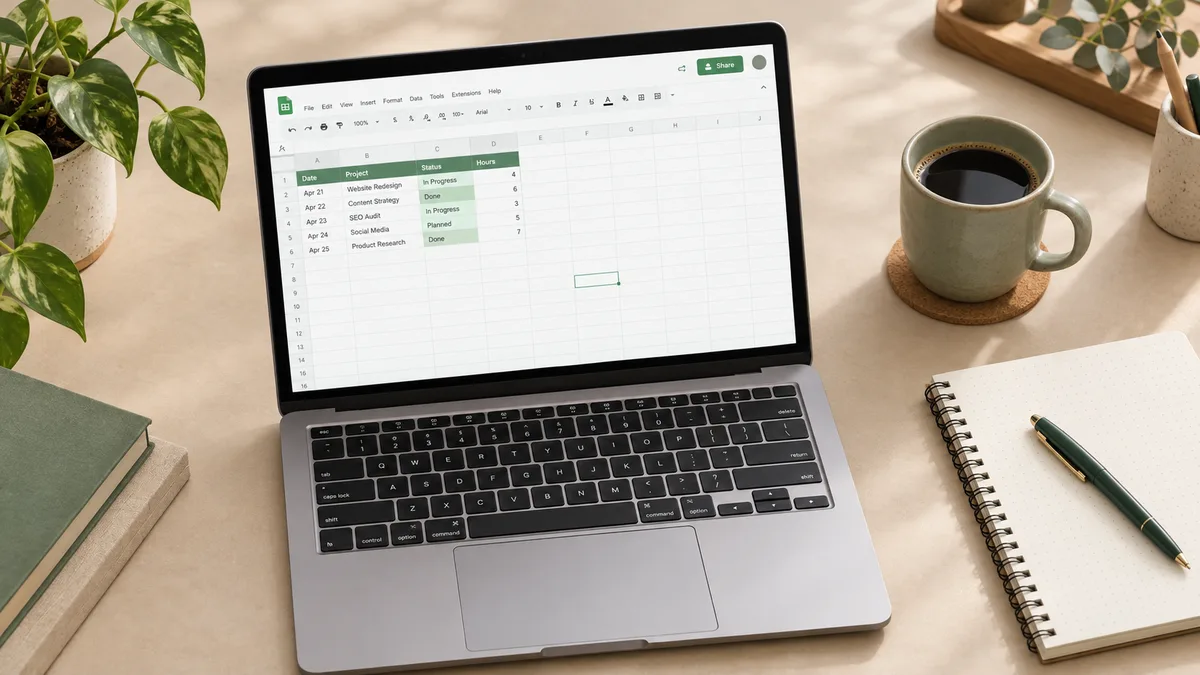
How to use Google Sheets from zero: cells, formulas, formatting and sharing, explained with small real examples. No jargon, no prior Excel needed.
How to make a spreadsheet from a blank grid: plan the columns, add formulas, format it clean, and turn it into a reusable template. A 15-minute build.